iterait
A visual workflow tool for managing work created with AI design tools. We explored ways to track versions, compare changes, reuse interactions, and restore earlier work without digging through old prompts.
Track Finalist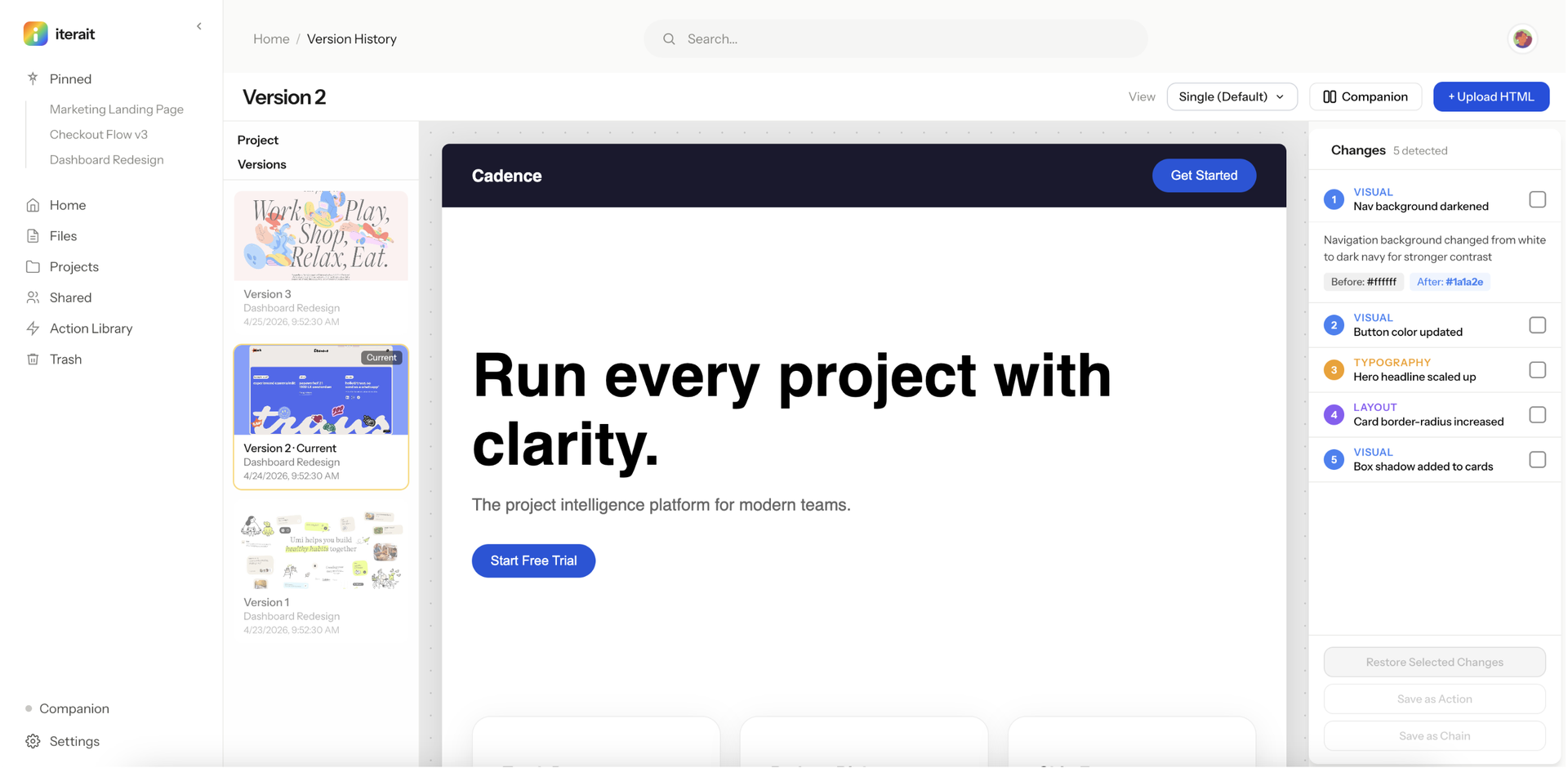
AI made it easy to create. Keeping track of everything was harder.
Our team was already using tools like Claude, Cursor, and Figma Make in our own design work. We could generate and iterate quickly, but once we had dozens of outputs, it became difficult to remember what changed, find an earlier version, or reuse something that worked without going back through the original prompts.
Instead of treating each output as another message in a conversation, we wanted to treat it as something you could compare, restore, and reuse.
We were four designers, so someone needed to figure out what was happening behind the interface. I volunteered to take on the backend, API, and change detection logic, even though I had never built a backend before.
Built the backend with Node, Express, and SQLite.
Created the endpoints connecting stored versions and the frontend.
Explored how to compare outputs and identify changes that could become reusable actions.
Worked through how versions, comparisons, actions, and restores needed to connect behind the interface.
Sydney, Basmah, and Shreya focused on the design system and frontend while I worked on the backend and system logic.
It was a lot of learning while building, but it gave me a much clearer understanding of what our interface was actually asking the system to do.
The 24 hours, phase by phase.
We mapped the workflow together and aligned on the core experience, then worked through versioning, comparison, and reusable actions.
The build: Frontend development started while I worked on the backend, API, and change detection logic. We connected the frontend and backend near the end, and when the backend wasn't stable enough for the presentation, we switched to mock data.
What we ran into, and what I'd change.
Frontend and backend stayed separate too long
We spent too much of the first half designing together, which left the frontend and backend separate for too long.
The backend wasn't stable for the presentation
When we integrated, the backend wasn't stable enough to use during the final presentation, so we switched to mock data for the demo.
We divided build roles too late
Working together early helped us align on the concept, but we waited too long to divide implementation responsibilities.
The biggest thing I took away from iterait was that integration should not happen at the end. Building earlier exposes constraints that can change the design itself.
Four ideas for making AI iterations easier to manage.
Version history
Each iteration becomes a version you can return to instead of something buried in conversation history.
Visual comparison
Compare versions side by side to understand what changed.
Reusable actions
Save a change you like and reuse it without reconstructing the original prompt.
Restore
Go back to an earlier version when a new direction does not work.
Together, these four ideas were meant to turn scattered AI outputs into something you could track, compare, reuse, and restore.
Still worth exploring, approached differently.
We still think the original problem is worth exploring, but we're approaching it differently. The next version focuses more on interacting directly with generated interfaces.
Visual element selection
Interact directly with a generated interface and select the exact element you want to work with.
A layers-style panel
Pick the exact element from a tree, the same way you'd reach for a layer.
Self-contained saves
Save components while preserving their states, animations, and responsive behavior, so they still look and behave right on their own.
Clickable prototype first
This time, I'm starting with a clickable prototype before we decide how much of the underlying system needs to be built.
Four designers, a problem we were living.
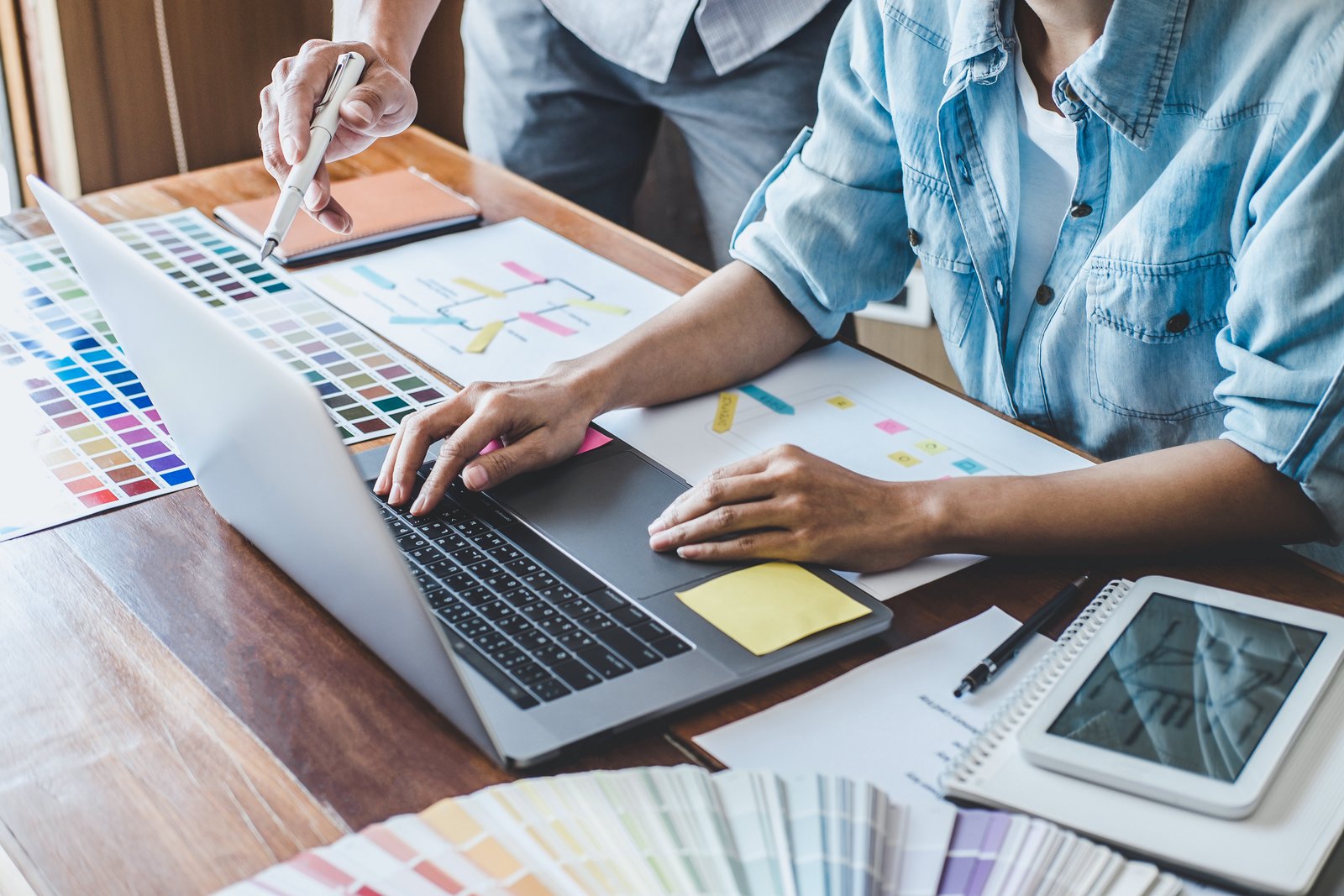
Four designers exploring a problem we were experiencing ourselves, with 24 hours to see how far we could take it.